Creating a home office that is both comfortable and productive can make a significant difference in your work-from-home experience. Whether you’re a full-time remote worker or occasionally need a space to focus, setting up an ideal environment helps you stay motivated, organized, and efficient. In this guide, we’ll explore practical tips to design your home office in a way that supports your well-being and work goals.
1. Choose the Right Location
Find a Quiet, Dedicated Space
Selecting the right spot in your home is the first step. Ideally, pick a quiet area with minimal distractions. If possible, choose a separate room to create a clear boundary between work and personal life. This separation helps your mind switch into work mode when you enter the space.
Consider Natural Light
Natural light can boost your mood and energy levels, so try to set up near a window. If that’s not an option, use good-quality artificial lighting that mimics daylight to reduce eye strain.
2. Invest in Comfortable and Ergonomic Furniture
Ergonomic Chair
Invest in a chair that supports good posture. Look for adjustable height, lumbar support, and comfortable cushioning. Sitting correctly reduces fatigue and lowers the risk of back pain.
Suitable Desk
Choose a desk that fits your space and work needs. The desk should be at a comfortable height so you can keep your wrists straight when typing and your feet flat on the floor.
Optional: Standing Desk
If you want to vary your posture, consider a standing desk or a desk converter. Alternating between sitting and standing can increase comfort and productivity.
3. Organize Your Workspace Effectively
Declutter Regularly
A cluttered desk can be distracting. Keep only essentials on your workspace and store other items in drawers, shelves, or organizers.
Use Storage Solutions
Incorporate storage boxes, filing cabinets, or shelves to keep papers, supplies, and equipment tidy. Labeling helps you quickly find what you need.
Cable Management
Tidy up cables with clips or sleeves to avoid a tangled mess. This reduces stress and keeps your desk clean.
4. Equip Your Office with the Right Technology
Reliable Internet Connection
A strong internet connection is crucial for video calls, downloads, and cloud work. Position your router nearby or use Wi-Fi boosters if needed.
Quality Computer and Accessories
Choose a computer, keyboard, and mouse that are comfortable for long use. Consider an external monitor for better screen size and ergonomics.
Headphones and Microphone
For virtual meetings, noise-cancelling headphones and a good-quality microphone improve sound clarity.
5. Create a Pleasant Atmosphere
Personalize Your Space
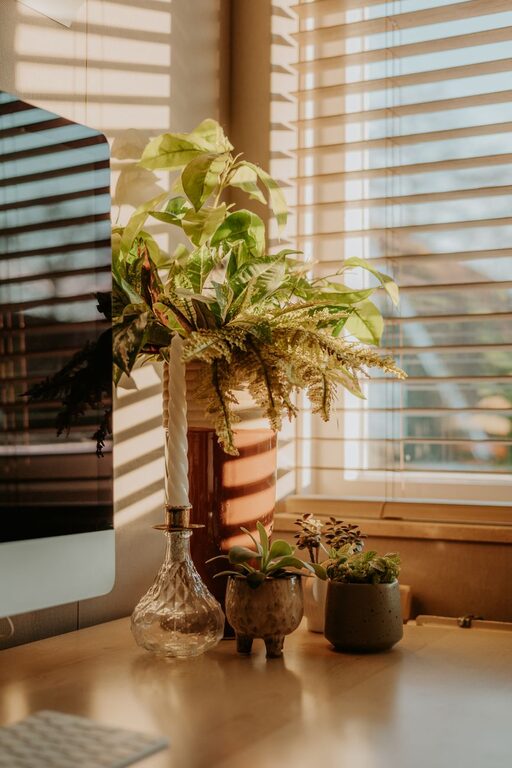
Add some personal touches like plants, artwork, or photos to make the area inviting. Plants also improve air quality and reduce stress.
Control Temperature and Air Quality
Make sure your workspace is well-ventilated and at a comfortable temperature. Use a fan, heater, or air purifier as needed.
Minimize Noise
If noise is unavoidable, use white noise machines, fans, or soft music to mask distractions.
6. Set Boundaries and Maintain a Routine
Define Work Hours
Set clear starting and ending times for your workday. This helps separate work time from personal time, supporting a healthy work-life balance.
Take Regular Breaks
Schedule short breaks throughout the day to stretch, rest your eyes, and recharge. Breaks help maintain focus and prevent burnout.
Use a Task List or Planner
Keep a to-do list or planner to organize your tasks and deadlines. This structure boosts productivity and reduces stress.
7. Practice Good Lighting and Screen Habits
Position Your Screen Properly
Place your monitor about an arm’s length away, with the top of the screen at eye level. This placement reduces neck and eye strain.
Use Adjustable Lighting
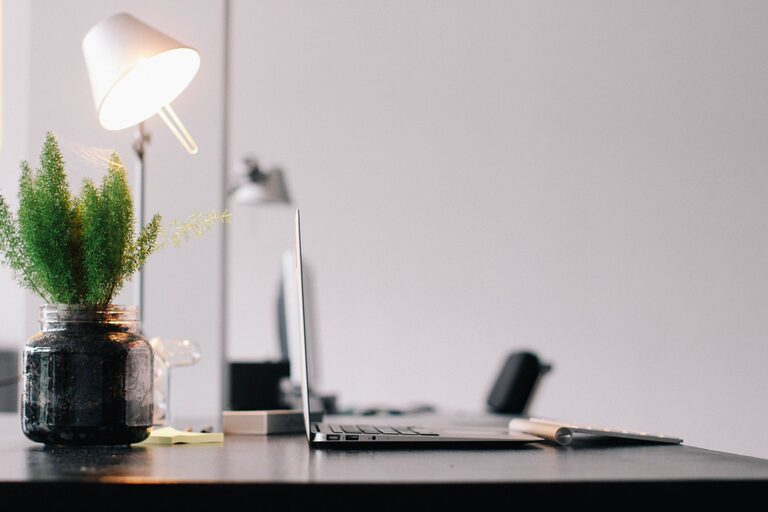
Avoid glare on your screen by adjusting blinds and positioning lamps. Use task lighting for paperwork or detailed work.
Conclusion
Designing a comfortable and productive home office doesn’t have to be complicated or expensive. With thoughtful choices about location, furniture, organization, technology, and atmosphere, you can create a space that supports your best work. Don’t forget to establish clear routines and boundaries to maintain balance and focus throughout your workday. Small improvements can lead to big benefits in your comfort and productivity.
Start making changes today and enjoy a more satisfying and efficient home office experience!